Understanding Multimodal Search Performance in Google Search Console
Google has introduced new reporting features in Search Console to help you understand how your content performs in multimodal searches, including image-based searches. To
- SEO
- Google Search Console
- Multimodal Search
- Image Search
- Performance Reporting

Google has introduced new reporting features in Search Console to help you understand how your content performs in multimodal search, which includes image-based searches. With this update, you can now see how your content is surfaced when users search using images, such as through Google Lens or image uploads. This data can help you decide how to optimize your visual content for better visibility and engagement. To access these insights, use the new multimodal search type filter in the performance reports and consider exporting the data for further analysis. This information can guide you in making informed decisions about your content strategy to enhance your site’s performance in the evolving search landscape.
To view these insights, use the new multimodal search type filter in the performance reports and click "Export" to download the data. This data reflects user interactions and can provide a more accurate picture of how your content performs in real-world scenarios. By analyzing these metrics, you can identify trends and opportunities to improve your visual content, but it’s important to consider other factors that influence traffic and engagement.
These metrics do not prove direct causation or guarantee increased traffic. They merely indicate how often your images are being used in multimodal searches. For example, if you run a fashion blog, understanding how your images perform in these searches can help you optimize your visual content for better visibility and engagement. However, these metrics do not guarantee that improving image quality or metadata will directly lead to more traffic or engagement. They serve as a guide to refine your content strategy and enhance your site’s performance in the evolving search landscape.
Understand what the measurements can tell you
Google has introduced new reporting features in Search Console to help you understand how your content performs in multimodal search, which includes image-based searches. With this update, you can now see how your content is surfaced when users search using images, such as through Google Lens or image uploads. This data can help you decide how to optimize your visual content for better visibility and engagement. To access these insights, use the new multimodal search type filter in the performance reports and consider exporting the data for further analysis. This information can guide you in making informed decisions about your content strategy to enhance your site’s performance in the evolving search landscape.

To view these insights, use the new multimodal search type filter in the performance reports and click "Export" to download the data. This data reflects user interactions and can provide a more accurate picture of how your content performs in real-world scenarios. By analyzing these metrics, you can identify trends and opportunities to improve your visual content, but it’s important to consider other factors that influence traffic and engagement.
These metrics do not prove direct causation or guarantee increased traffic. They merely indicate how often your images are being used in multimodal searches. For example, if you run a fashion blog, understanding how your images perform in these searches can help you optimize your visual content for better visibility and engagement. However, these metrics do not guarantee that improving image quality or metadata will directly lead to more traffic or engagement. They serve as a guide to refine your content strategy and enhance your site’s performance in the evolving search landscape.
Establish a baseline before making changes
- Establish a Baseline: Start by accessing the new multimodal search type filter in the Performance report of Search Console. Use the "Export" feature to download the data, which reflects user interactions. Record the initial performance metrics such as impressions, clicks, and CTR for multimodal searches.
-
Collect and Compare Data: In addition to the exported data, review the real-user field data available in the same reports. Ensure you record these metrics to compare against future changes. Compare the data to identify any discrepancies or trends. Keep other variables constant, such as the type of content and the time of day, to isolate the impact of multimodal search performance.
-
Handle Unavailable Data: If specific data points are unavailable, focus on the metrics that are consistently available and relevant to your content. For example, if click-through rates (CTR) are not available, focus on impressions and user engagement metrics like dwell time.
By establishing a baseline with real-user field data, you can effectively monitor changes and evaluate the impact of any optimizations you make to your visual content. This approach ensures that you have a clear understanding of how your content performs in multimodal searches and can make informed decisions to enhance your site’s performance.
Test the cause instead of guessing
To effectively diagnose and address performance issues in multimodal search, follow a structured diagnostic decision tree:
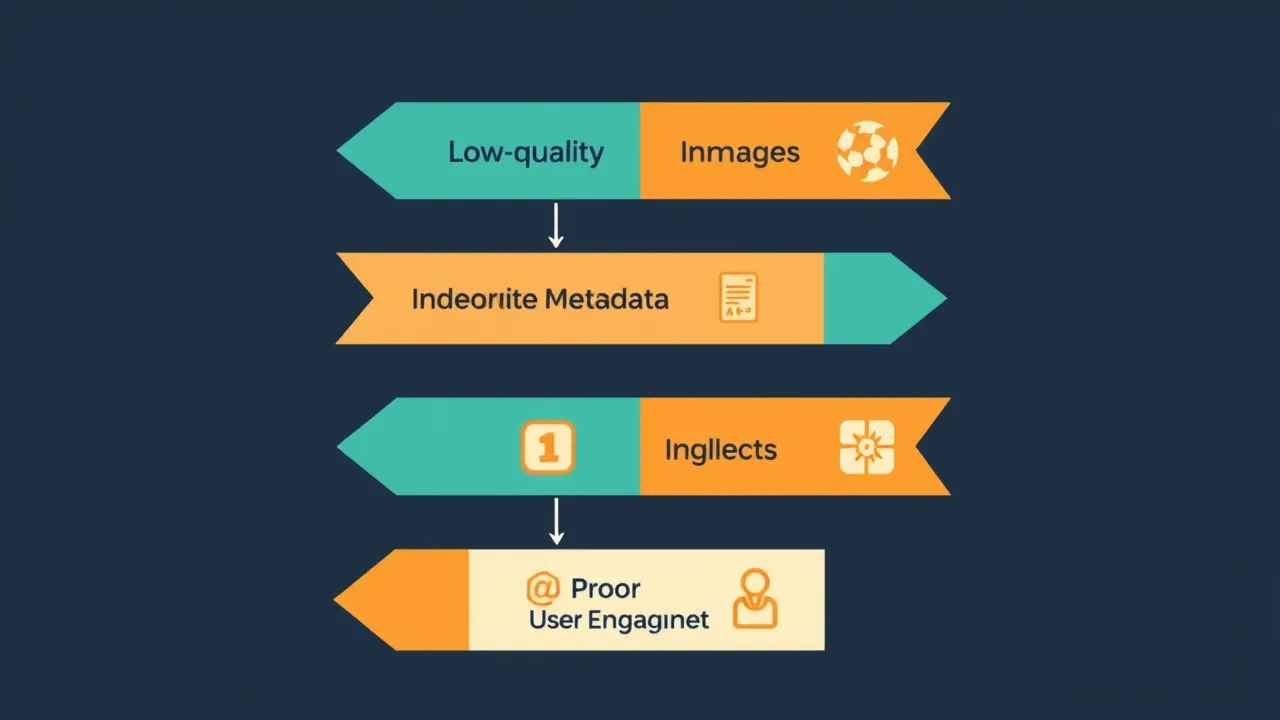
- Observation: Notice a decline in impressions or clicks for your multimodal search content.
- Competing Possible Causes:
- Low-quality images or poor visual content.
- Inadequate metadata or alt text for images.
- Poor user engagement with the content.
- Test to Distinguish Causes:
- Low-quality Images: Compare the quality of images that perform well with those that do not. Check for resolution, clarity, and relevance.
- Metadata/Autotext: Review the metadata and alt text for images that have low impressions or clicks. Ensure they are descriptive and relevant.
- User Engagement: Analyze user interaction data, such as dwell time and bounce rates, to understand if users are engaging with the content effectively.
- Next Actions Based on Results:
- Low-quality Images: Improve image quality by using higher resolution and more relevant visuals.
- Metadata/Autotext: Enhance metadata and alt text to provide better context and improve discoverability.
- User Engagement: Optimize content to better engage users, such as by adding more interactive elements or improving the overall user experience.
This approach helps you systematically identify and address the root cause of performance issues, rather than making assumptions based on metrics alone.
Make one targeted change and verify it
To effectively leverage the new multimodal search performance reporting in Search Console, follow these steps to make a targeted change and verify its impact:
-
Identify a Specific Change: Based on the multimodal search data, pinpoint an area for improvement. For example, if images with low-quality metadata have poor performance, focus on enhancing the alt text and metadata for these images.
-
Implement the Change: Update the selected images with improved metadata and alt text. Ensure that the changes are consistent across the site to maintain uniformity.
-
Monitor Real-User Data: After implementing the changes, monitor the real-user field data in the Search Console to see how the updated content performs. Compare the new data with the baseline metrics you established earlier.
-
Evaluate and Decide: If the changes lead to a positive impact, such as increased impressions or clicks, continue with the optimization. If there is no improvement or a negative impact, revert the changes and consider alternative strategies.
By following these steps, you can systematically test and validate changes, ensuring that your content remains optimized for multimodal search while protecting the overall functionality and user experience of your site.
Worked example: a hypothetical small business website
To effectively leverage the new multimodal search performance reporting in Search Console, follow a structured approach to diagnose and address performance issues:
- Observation: Notice a decline in impressions or clicks for your multimodal search content.
- Competing Possible Causes:
- Low-quality images or poor visual content.
- Inadequate metadata or alt text for images.
- Poor user engagement with the content.
- Test to Distinguish Causes:
- Low-quality Images: Compare the quality of images that perform well with those that do not. Check for resolution, clarity, and relevance.
- Metadata/Autotext: Review the metadata and alt text for images that have low impressions or clicks. Ensure they are descriptive and relevant.
- User Engagement: Analyze user interaction data, such as dwell time and bounce rates, to understand if users are engaging with the content effectively.
- Next Actions Based on Results:
- Low-quality Images: Improve image quality by using higher resolution and more relevant visuals.
- Metadata/Autotext: Enhance metadata and alt text to provide better context and improve discoverability.
- User Engagement: Optimize content to better engage users, such as by adding more interactive elements or improving the overall user experience.
This approach helps you systematically identify and address the root cause of performance issues, rather than making assumptions based on metrics alone.
To effectively leverage the new multimodal search performance reporting in Search Console, follow these steps to make a targeted change and verify its impact:
- Identify a Specific Change: Based on the multimodal search data, pinpoint an area for improvement. For example, if images with low-quality metadata have poor performance, focus on enhancing the alt text and metadata for these images.
- Implement the Change: Update the selected images with improved metadata and alt text. Ensure that the changes are consistent across the site to maintain uniformity.
- Monitor Real-User Data: After implementing the changes, monitor the real-user field data in the Search Console to see how the updated content performs. Compare the new data with the baseline metrics you established earlier.
- Evaluate and Decide: If the changes lead to a positive impact, such as increased impressions or clicks, continue with the optimization. If there is no improvement or a negative impact, revert the changes and consider alternative strategies.
By following these steps, you can systematically test and validate changes, ensuring that your content remains optimized for multimodal search while protecting the overall functionality and user experience of your site.
Tradeoffs and limits to keep in mind
When leveraging the new multimodal search performance reporting in Search Console, it's important to consider several tradeoffs and limitations. While the data can provide insights into how your content performs in visual searches, it may not always reflect the full user experience. For instance, improving image metadata and alt text can enhance discoverability, but overly detailed or misleading metadata could confuse users and negatively impact engagement.
Additionally, the data reported in Search Console is based on real-user interactions, which can vary significantly based on user behavior and the context of the search. This means that changes you make might not yield immediate or consistent results. For example, enhancing image quality could lead to better performance in some cases, but if the content itself is not engaging, users may still bounce quickly.
Given these complexities, it's advisable to involve a specialist, such as an SEO expert or a digital marketing consultant, especially if you notice no improvement or a negative impact after making changes. They can provide a more nuanced analysis and help you navigate the intricacies of multimodal search optimization.
Common mistakes and how to avoid them
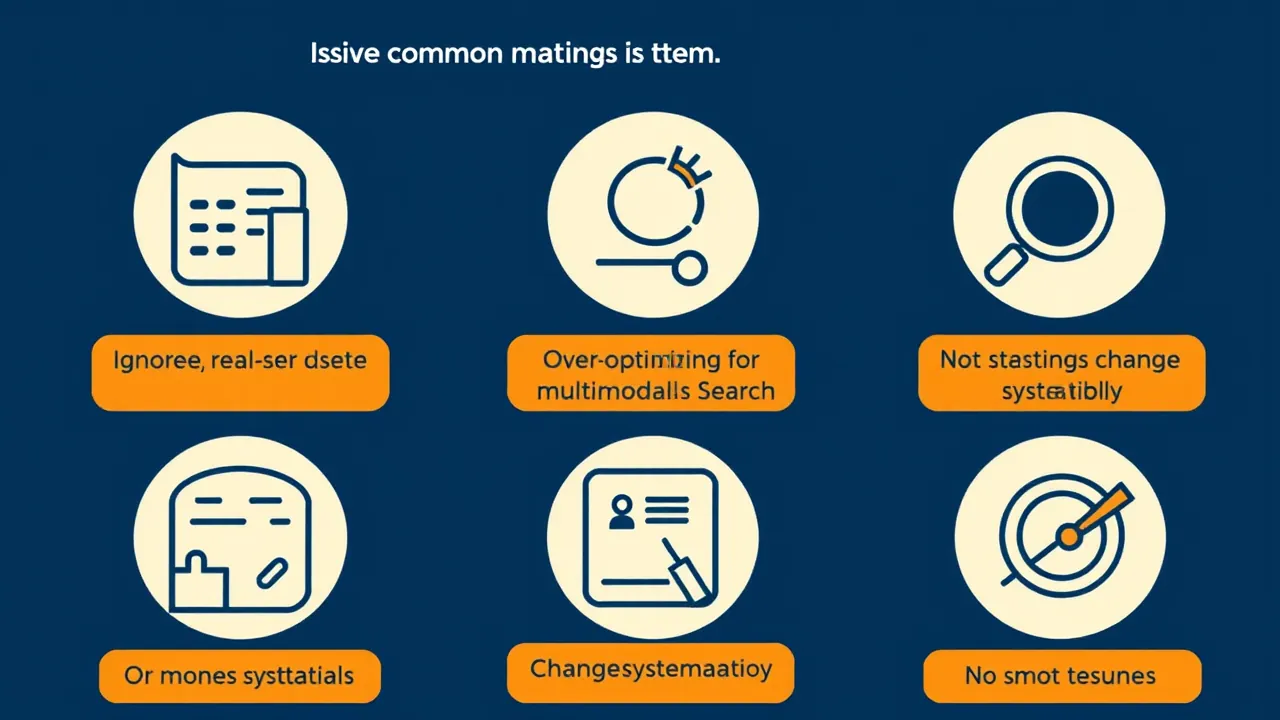
- Ignoring Real-User Data: One common mistake is relying solely on lab data from PageSpeed Insights, which can differ significantly from real-user field data. Lab data provides synthetic metrics, whereas real-user data reflects actual user experiences. To avoid this, always monitor real-user data in Search Console to get a more accurate picture of how changes impact user behavior.
-
Over-Optimizing for Multimodal Search: Another mistake is over-optimizing content for multimodal search at the expense of overall user experience. For example, adding excessive metadata or alt text can improve discoverability but may confuse users if the information is misleading or overly detailed. Instead, focus on providing clear and concise metadata that enhances user understanding without overwhelming them.
-
Not Testing Changes Systematically: Implementing changes without a systematic approach can lead to inconsistent results. For instance, making changes without establishing a baseline or monitoring the impact can result in unclear outcomes. To avoid this, always establish a baseline before making changes and monitor the real-user data to evaluate the impact. If the changes do not yield positive results, revert them and consider alternative strategies.
By being mindful of these common pitfalls, you can make informed decisions that enhance your site’s performance in multimodal search while maintaining a positive user experience.
Your next steps
-
Review Multimodal Search Data: Start by accessing the new multimodal search performance reporting in Search Console. Use the multimodal search type filter in the performance reports to view insights on how your content is performing in visual searches.
-
Compare with Baseline Metrics: Compare the new data with your existing baseline metrics to understand the impact of multimodal search on your site’s performance. Look for changes in impressions, clicks, and other relevant metrics.
-
Evaluate and Decide: If the changes lead to a positive impact, such as increased impressions or clicks, continue with the optimization. If there is no improvement or a negative impact, revert the changes and consider alternative strategies. This approach ensures that your content remains optimized for multimodal search while protecting the overall user experience.
-
Seek Expert Advice: If you notice no improvement or a negative impact after making changes, consider consulting with a specialist, such as an SEO expert or a digital marketing consultant. They can provide a more nuanced analysis and help you navigate the complexities of multimodal search optimization.
For additional support or to discuss your specific needs, contact us to speak with one of our experts.
Source: Announcing web multimodal Search performance reporting in Search Console